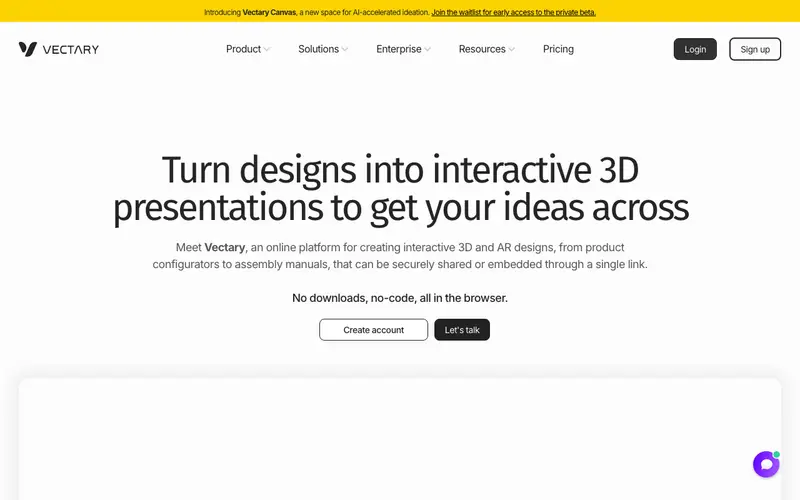
Vectary is an online 3D design tool and 3D asset library created by Vectary a.s., enabling users to create stunning 3D models, mockups, and augmented reality experiences directly in their browser. It provides a user-friendly interface that simplifies complex 3D modeling tasks, making 3D design accessible to a wider audience, from beginners to professionals. The primary workflow involves starting with pre-made templates or building from scratch using intuitive drag-and-drop tools, applying materials, lighting, and then rendering or exporting the final 3D scene. It is a web-based platform, compatible with any modern browser on Windows, Mac, or Linux. Its most used feature is the vast library of free 3D models, materials, and environments that users can instantly customize and incorporate into their designs. Vectary stores all project data in the cloud, allowing for collaborative work and access from any device with an internet connection.
Editorial check
How this page is checked
Source trail
vectary.com
External links are separated from Surfaced commentary.
Reader safety
Context before clicks
Product links and external services are not presented as guarantees.
Monetization
No affiliate flag
Ads and commerce links are kept distinct from editorial text.
Surfaced take
Why It’s Useful
Vectary eliminates the steep learning curve and high software costs typically associated with professional 3D design, democratizing access to this powerful visual medium. For the product designer needing a realistic 3D mockup of their latest prototype, Vectary offers a quick and easy way to visualize and present concepts without complex software. For the marketing specialist creating immersive ad campaigns, it enables the creation of engaging 3D assets or AR experiences directly from their browser. The free tier is genuinely useful, offering basic modeling tools, a limited number of projects, and access to a portion of the asset library, while paid plans unlock advanced features and unlimited exports. Compared to traditional 3D software like Blender, Vectary wins on accessibility and ease of use, especially for non-3D specialists, by being entirely browser-based. A power feature is the "AR Viewer," which allows users to instantly preview their 3D models in augmented reality on a smartphone, perfect for client presentations. The learning curve is moderate; a non-technical person can create a simple 3D mockup in under 15 minutes, with more advanced features requiring dedicated learning.
In everyday life
When you’d actually reach for this
You need to visualize a quick mockup for a client presentation next week. Perhaps you want to design a unique, custom label for homemade jam to give as a gift.







Enjoyed this? Get five picks like this every morning.
Free daily newsletter — zero spam, unsubscribe anytime.