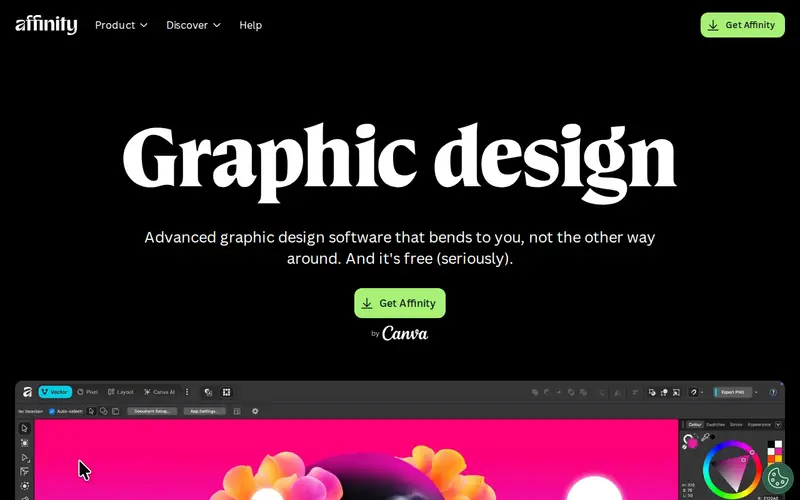
Affinity Designer is a professional-grade vector graphics editor for Windows, macOS, and iPad, offering a powerful and affordable alternative to industry-standard software. It excels at creating complex illustrations, UI designs, and art with a focus on speed and precision. A key differentiator is its ability to seamlessly switch between vector and raster modes within a single application, providing unparalleled flexibility for graphic designers. It is available as a one-time purchase with no subscriptions, making it highly accessible.
Editorial check
How this page is checked
Source trail
affinity.serif.com
External links are separated from Surfaced commentary.
Reader safety
Context before clicks
Product links and external services are not presented as guarantees.
Monetization
No affiliate flag
Ads and commerce links are kept distinct from editorial text.
Surfaced take
Why It’s Useful
Affinity Designer is a game-changer for independent designers and small studios who need professional tools without the recurring cost of subscriptions. Its 'Personas' feature, which allows easy switching between vector drawing, pixel editing, and even exporting, is incredibly efficient for workflows that blend different types of image manipulation. The performance is exceptional, handling large files and complex operations with remarkable speed, which translates to significant time savings. It's lauded for its intuitive interface and the breadth of features it offers, covering everything from intricate logo design to full web UI mockups, making it a versatile cornerstone for any creative professional's toolkit.
In everyday life
When you’d actually reach for this
You need to design a new logo for a client and also create some accompanying social media graphics. Affinity Designer lets you craft the crisp, scalable vector logo and then easily switch to pixel editing to add textures or effects for the graphics, all within the same program.







Enjoyed this? Get five picks like this every morning.
Free daily newsletter — zero spam, unsubscribe anytime.