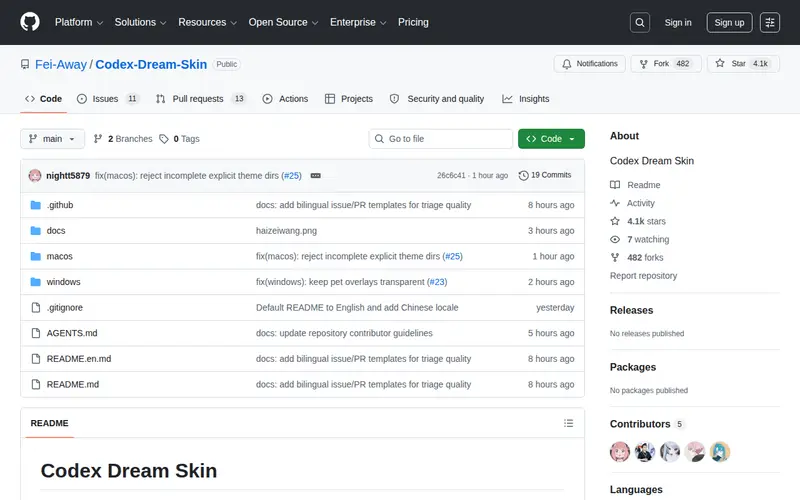
Codex-Dream-Skin is a PowerShell module designed to dramatically enhance the visual appearance and user experience of the Windows Terminal. It allows users to apply custom themes, color schemes, font styles, and even transparency effects to their terminal sessions, transforming a utilitarian interface into something more personalized and aesthetically pleasing. The tool is free to use, leveraging PowerShell scripting to modify terminal settings. It excels at providing a highly customizable and visually appealing command-line environment that can reduce eye strain and make long coding or system administration sessions more enjoyable.
Editorial check
How this page is checked
Source trail
github.com
External links are separated from Surfaced commentary.
Reader safety
Context before clicks
Product links and external services are not presented as guarantees.
Monetization
No affiliate flag
Ads and commerce links are kept distinct from editorial text.
Surfaced take
Why It’s Useful
In the realm of developer productivity and personal computing, the aesthetics of one's tools can significantly impact user experience and reduce fatigue. Codex-Dream-Skin addresses this by offering deep customization for the Windows Terminal, a gateway to many essential command-line tasks. Users can create unique visual profiles that match their personal preferences or even specific project needs, making the often-monochromatic terminal environment vibrant and engaging. It’s ideal for developers, system administrators, or anyone who spends considerable time in the terminal and wishes to personalize their workspace. The ease of applying these changes via a PowerShell script makes it accessible even to those less familiar with deep system configurations.
In everyday life
When you’d actually reach for this
When you're trying to get your personal budget spreadsheet looking less intimidating on a Sunday afternoon, or when you're setting up a shared terminal session for a group trip planning session and want it to be easy on the eyes for everyone.







Enjoyed this? Get five picks like this every morning.
Free daily newsletter — zero spam, unsubscribe anytime.