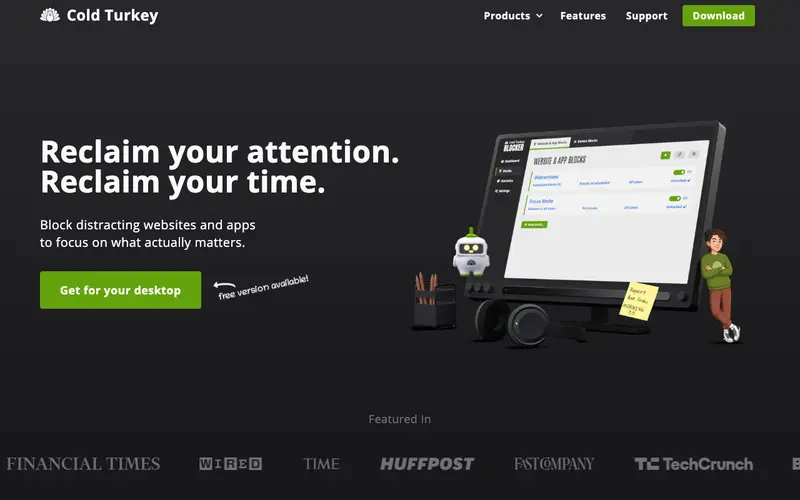
Cold Turkey Blocker is a powerful anti-distraction application developed by Felix Wong, designed to block websites, applications, and even the entire internet on your computer. It allows users to create custom blocklists and schedule blocking sessions, making it exceptionally difficult to bypass distractions. The software is available for Windows and macOS, offering robust system-level blocking capabilities. Its most used feature is the ability to create 'locked' sessions that are virtually impossible to circumvent until the timer runs out. Cold Turkey stores user settings and blocklists locally on your computer, ensuring privacy and control over your data.
Editorial check
How this page is checked
Source trail
getcoldturkey.com
External links are separated from Surfaced commentary.
Reader safety
Context before clicks
Product links and external services are not presented as guarantees.
Monetization
No affiliate flag
Ads and commerce links are kept distinct from editorial text.
Surfaced take
Why It’s Useful
Cold Turkey Blocker effectively eliminates the urge to switch context to distracting websites or applications during critical work or study periods, fostering deep concentration. For the writer struggling with writer's block, Cold Turkey can block social media and entertainment sites, forcing them to confront the blank page and focus solely on drafting. For the developer needing uninterrupted coding time, it ensures that tempting games or news feeds are inaccessible, promoting intense problem-solving. The free version provides essential website blocking and scheduled sessions, offering significant utility for many users, while the paid 'Pro' version unlocks app blocking and advanced features. Unlike browser extensions, Cold Turkey blocks distractions at the operating system level, making it much harder to bypass and thus more effective for serious digital detox. A power feature is the 'Frozen Turkey' mode, which locks specific applications or even your entire computer until a timer expires. The setup is straightforward; a non-technical person can install and configure their first block in under 5 minutes.
In everyday life
When you’d actually reach for this
You need to finally finish that budget spreadsheet on a Sunday afternoon but keep finding yourself on social media instead. You want to focus on a work project before heading out on vacation, but those news tabs are calling your name. You’re trying to plan a group trip and keep getting sidetracked by online shopping searches.







Enjoyed this? Get five picks like this every morning.
Free daily newsletter — zero spam, unsubscribe anytime.