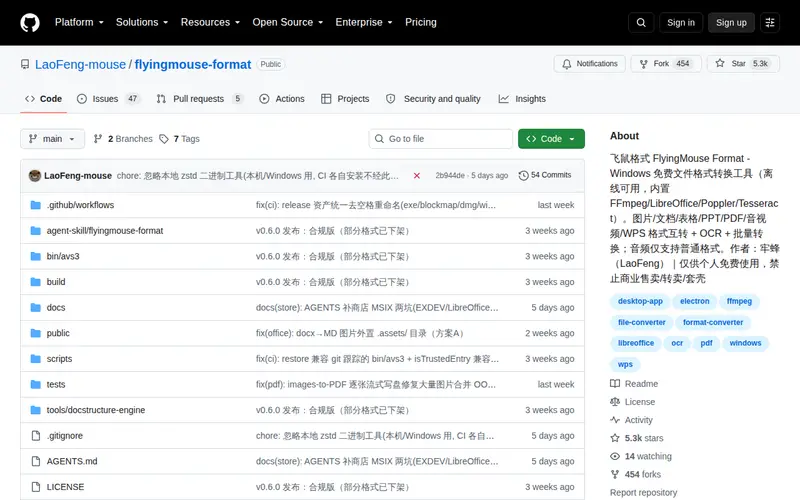
FlyingMouse Format is a powerful, free, offline Windows application designed for comprehensive file format conversion. It leverages built-in engines like FFmpeg, LibreOffice, Poppler, and Tesseract to handle a wide array of conversions, including images, documents, spreadsheets, presentations, PDFs, audio, and video. A standout feature is its integrated OCR capability for text extraction from images and PDFs, alongside batch conversion functionality. This makes it incredibly versatile for users who frequently work with diverse file types and need to process them without an internet connection.
Editorial check
How this page is checked
Source trail
github.com
External links are separated from Surfaced commentary.
Reader safety
Context before clicks
Product links and external services are not presented as guarantees.
Monetization
No affiliate flag
Ads and commerce links are kept distinct from editorial text.
Surfaced take
Why It’s Useful
This tool is invaluable for anyone juggling multiple file types on a Windows system. Its offline capability is a significant advantage, ensuring productivity even without internet access. The integration of powerful conversion engines and OCR means you can seamlessly transform documents, edit scanned PDFs, or extract text from images without needing multiple specialized applications. For graphic designers, researchers, or students who frequently encounter and need to manipulate various file formats, FlyingMouse Format streamlines complex workflows and saves considerable time. Its free, personal-use license makes it an accessible yet robust solution for everyday file management challenges.
In everyday life
When you’d actually reach for this
When you receive a scanned PDF from a colleague and need to edit its text, or when you have multiple images that need to be converted into a single PDF document for sharing. This tool simplifies those common file-handling frustrations without requiring an internet connection.







Enjoyed this? Get five picks like this every morning.
Free daily newsletter — zero spam, unsubscribe anytime.