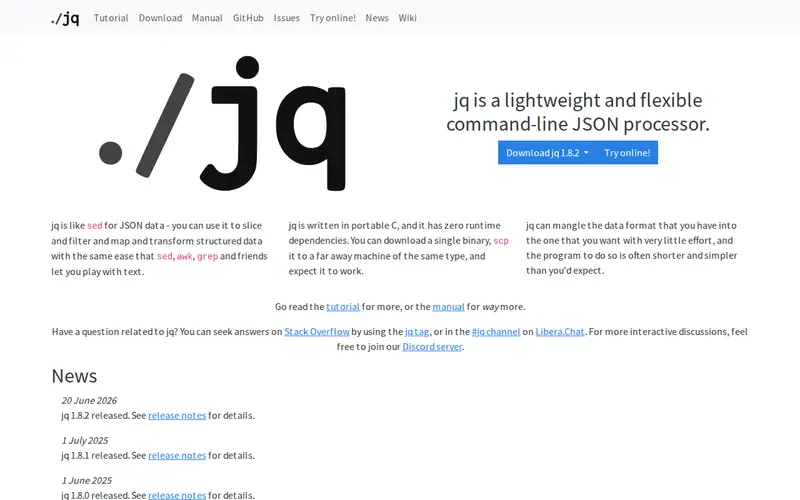
jq is a lightweight and flexible command-line JSON processor. It's like `sed` for JSON data, allowing you to slice, filter, map, and transform structured data with ease. Developed as a free and open-source utility, jq is invaluable for developers who need to quickly extract or manipulate JSON output from APIs, configuration files, or logs. Its powerful query language lets you select specific fields, reformat data, and perform complex operations on nested JSON structures directly from your terminal.
Editorial check
How this page is checked
Source trail
stedolan.github.io
External links are separated from Surfaced commentary.
Reader safety
Context before clicks
Product links and external services are not presented as guarantees.
Monetization
No affiliate flag
Ads and commerce links are kept distinct from editorial text.
Surfaced take
Why It’s Useful
jq is indispensable for anyone working with JSON on the command line. It significantly speeds up debugging and data analysis by allowing you to parse and transform complex JSON responses without writing custom scripts. Its expressive syntax can handle everything from simple field extraction to intricate data reshaping, making it a go-to tool for developers automating tasks or integrating with APIs. Many command-line tools and scripting environments integrate seamlessly with jq, allowing for powerful chained operations. Users often praise its speed and the intuitive way it simplifies otherwise cumbersome data manipulation, making it a favorite for shell-based workflows.
In everyday life
When you’d actually reach for this
You're troubleshooting an API call and get a massive JSON response. Instead of trying to read it or copy-pasting into a viewer, you pipe the output to `jq` to instantly see only the specific error message or data points you need. It's like having a super-powered text filter for your data.







Enjoyed this? Get five picks like this every morning.
Free daily newsletter — zero spam, unsubscribe anytime.