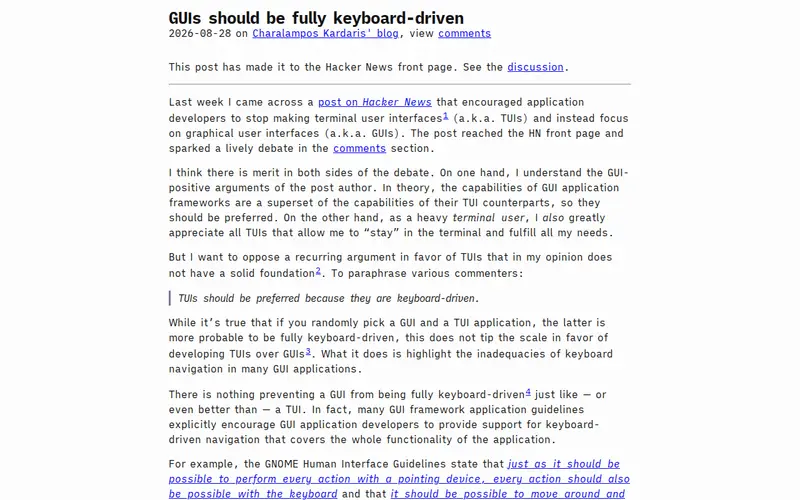
This article explores the philosophy and implementation of building graphical user interfaces (GUIs) that are primarily controlled via keyboard shortcuts. It argues that a well-designed keyboard-driven interface can significantly boost productivity by reducing reliance on the mouse and streamlining complex workflows. The author delves into principles like discoverability, composability, and efficient navigation, offering insights for developers looking to create more powerful and user-friendly applications. It’s a deep dive into optimizing interaction for power users.
Editorial check
How this page is checked
Source trail
ckardaris.com
External links are separated from Surfaced commentary.
Reader safety
Context before clicks
Product links and external services are not presented as guarantees.
Monetization
No affiliate flag
Ads and commerce links are kept distinct from editorial text.
Surfaced take
Why It’s Useful
In a world saturated with mouse-centric interfaces, the concept of truly keyboard-driven GUIs feels like a relic of a bygone era, yet it holds immense potential for modern productivity. This piece champions a return to efficiency, arguing that by prioritizing keyboard control, developers can unlock unparalleled speed and precision for users. It’s not just about hotkeys; it's a thoughtful approach to interface design that prioritizes flow and reduces cognitive load. For developers aiming to build tools that cater to power users, or for anyone frustrated by the inefficiencies of traditional GUIs, this offers a compelling vision and practical considerations.
In everyday life
When you’d actually reach for this
Imagine quickly navigating through complex design software or a code editor without ever reaching for your mouse. You can switch between tools, select objects, and trigger actions with a few well-placed keystrokes, significantly speeding up your work. This approach is ideal for professionals who spend hours interacting with their applications.







Enjoyed this? Get five picks like this every morning.
Free daily newsletter — zero spam, unsubscribe anytime.