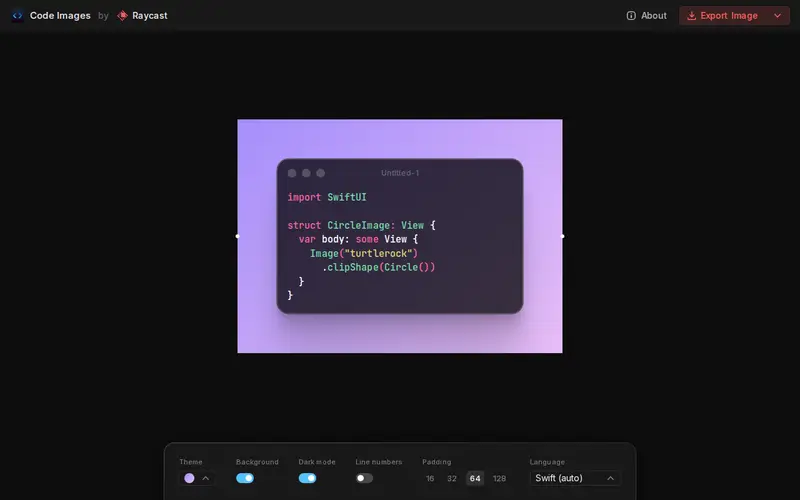
Ray Studio is a powerful, collaborative design tool focused on creating vector graphics and user interface elements. It offers a rich set of features for illustration, prototyping, and design system management, all within a real-time, multi-user environment. Designers can work together seamlessly on the same canvas, iterating rapidly and sharing feedback instantly. Ray Studio is available through a freemium model, with a robust free tier suitable for individual creators and small teams.
Editorial check
How this page is checked
Source trail
ray.so
External links are separated from Surfaced commentary.
Reader safety
Context before clicks
Product links and external services are not presented as guarantees.
Monetization
No affiliate flag
Ads and commerce links are kept distinct from editorial text.
Surfaced take
Why It’s Useful
Ray Studio excels at fostering team synergy in the design process. Its real-time collaboration features mean that designers, developers, and product managers can contribute and provide feedback simultaneously, drastically reducing communication overhead and design cycles. The tool's intuitive interface and comprehensive vector editing capabilities make it suitable for a wide range of design tasks, from creating intricate illustrations to building complex UI mockups. Users particularly appreciate its powerful prototyping features that allow for interactive design previews. For teams that value efficiency and seamless collaboration, Ray Studio offers a compelling alternative to more traditional, single-user design software, enabling faster iteration and a more unified design vision.
In everyday life
When you’d actually reach for this
You need to quickly sketch out a logo for a friend's small business or create a simple infographic for a community event. When planning a group vacation and needing to visualize different itinerary options, or when you want to organize those bookmarked articles you've been meaning to get to.







Enjoyed this? Get five picks like this every morning.
Free daily newsletter — zero spam, unsubscribe anytime.