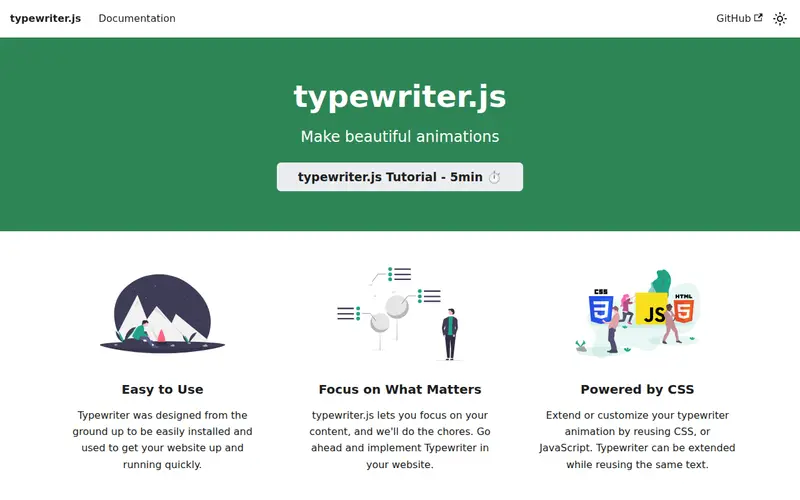
Script Editor is a web-based tool that allows users to create realistic typewriter-style text effects for their digital content. It simulates the look and sound of a vintage typewriter, typing out text character by character with adjustable typing speed, sound, and cursor style. This tool is perfect for content creators, educators, or anyone looking to add a nostalgic or deliberate pacing to their written material on websites or in digital presentations. For instance, a presenter could use it to highlight key points in a slideshow by having them 'type' onto the screen in real-time.
Editorial check
How this page is checked
Source trail
typewriter.js.org
External links are separated from Surfaced commentary.
Reader safety
Context before clicks
Product links and external services are not presented as guarantees.
Monetization
No affiliate flag
Ads and commerce links are kept distinct from editorial text.
Surfaced take
Why It’s Useful
While many animation tools can create text effects, Script Editor's niche is its highly specific and authentic typewriter simulation. It captures the subtle imperfections and rhythmic delays that make this effect feel genuine, unlike more generic typing animations. The ease of use is a significant advantage; users don't need coding knowledge to implement a sophisticated visual effect. It's particularly valuable for projects that require a vintage aesthetic, a sense of deliberate thought process, or a unique way to convey information that feels more human and less instantaneous. Writers and designers who want to evoke a specific mood or add an engaging visual element to their storytelling will find this tool immensely useful.
In everyday life
When you’d actually reach for this
You might use Script Editor to add a vintage feel to a personal journal entry about your weekend plans. It's also great for creating a fun, old-school welcome message for a shared family recipe collection.







Enjoyed this? Get five picks like this every morning.
Free daily newsletter — zero spam, unsubscribe anytime.