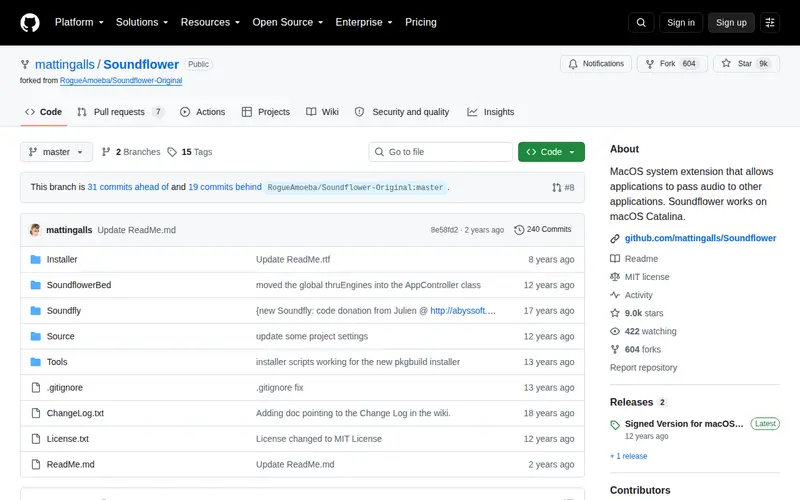
Soundflower is a free, open-source kernel extension for macOS that enables you to route audio between applications. It acts as a virtual audio device, allowing you to send audio output from one application to the input of another. This is incredibly useful for tasks like recording audio from applications, streaming live audio, or performing advanced audio processing. While it has been around for a while and is less frequently updated, it remains a powerful and free solution for audio routing needs on Mac systems.
Editorial check
How this page is checked
Source trail
github.com
External links are separated from Surfaced commentary.
Reader safety
Context before clicks
Product links and external services are not presented as guarantees.
Monetization
No affiliate flag
Ads and commerce links are kept distinct from editorial text.
Surfaced take
Why It’s Useful
Soundflower provides a vital, often overlooked functionality for anyone working with audio on macOS, and it does so for free. Its ability to seamlessly route audio between applications unlocks a multitude of advanced use cases, from creating custom recording setups to facilitating complex audio experiments without requiring expensive hardware. For developers, content creators, and audio engineers on a budget, it's an indispensable utility that solves specific, challenging problems related to audio inter-application communication. Its simplicity and effectiveness have made it a staple for those who need to control audio pathways within their system.
In everyday life
When you’d actually reach for this
You might use Soundflower to record a voice-over directly into your video editing software or to stream audio from a web browser into a podcast recording session.







Enjoyed this? Get five picks like this every morning.
Free daily newsletter — zero spam, unsubscribe anytime.