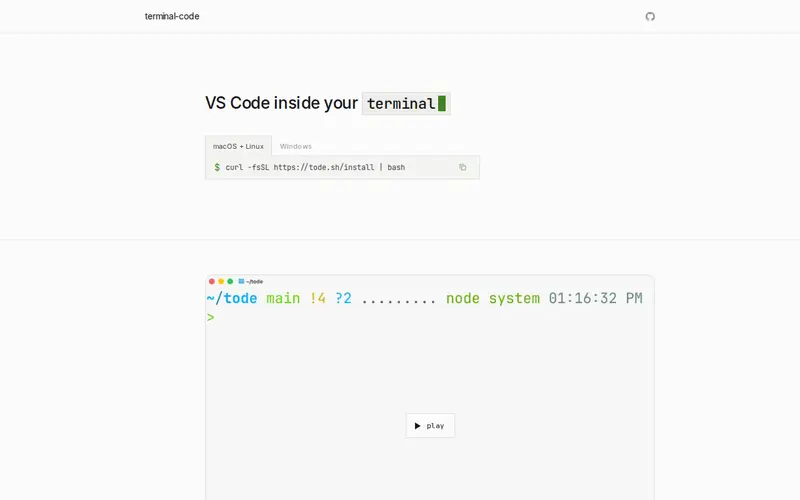
terminal-code brings the full Visual Studio Code experience directly into your terminal. It allows you to edit code, manage files, and even use many VS Code extensions without leaving your command-line interface. This is achieved by running VS Code's backend on a server (or locally) and streaming the UI to your terminal. Developed by the community, it aims to bridge the gap between terminal-based workflows and the rich features of a full IDE.
Editorial check
How this page is checked
Source trail
terminal-code.com
External links are separated from Surfaced commentary.
Reader safety
Context before clicks
Product links and external services are not presented as guarantees.
Monetization
No affiliate flag
Ads and commerce links are kept distinct from editorial text.
Surfaced take
Why It’s Useful
This tool is a game-changer for developers who prefer or are required to work within a terminal environment. Unlike simple text editors, terminal-code offers the complete VS Code feature set, including IntelliSense, debugging, and a vast extension marketplace, all rendered in your terminal. It's incredibly useful for remote development over SSH, embedded systems, or simply for those who find the terminal more efficient. Its integration with existing VS Code configurations means a minimal learning curve for seasoned VS Code users.
In everyday life
When you’d actually reach for this
You can use terminal-code when you need to quickly edit a configuration file on a remote server or within a Docker container. It allows you to maintain your familiar VS Code setup without switching applications or dealing with slow remote desktop connections.







Enjoyed this? Get five picks like this every morning.
Free daily newsletter — zero spam, unsubscribe anytime.