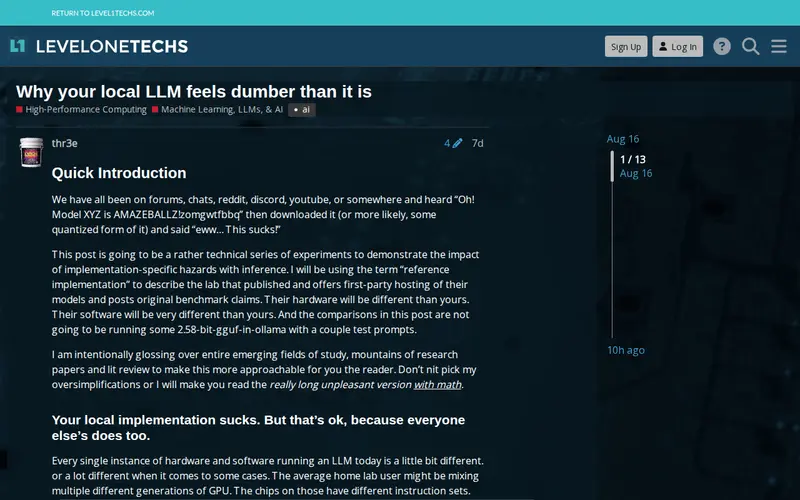
This discussion delves into the reasons why large language models (LLMs) running locally on personal hardware might seem less capable or perform worse than their cloud-based counterparts. It explores technical factors such as hardware limitations (CPU vs. GPU, RAM), model quantization, inefficient inference engines, and the complexity of properly configuring and optimizing local LLM deployments. The piece aims to educate users on the bottlenecks that can affect local LLM performance and offer insights into how to potentially improve the user experience.
Editorial check
How this page is checked
Source trail
forum.level1techs.com
External links are separated from Surfaced commentary.
Reader safety
Context before clicks
Product links and external services are not presented as guarantees.
Monetization
No affiliate flag
Ads and commerce links are kept distinct from editorial text.
Surfaced take
Why It’s Useful
For developers and tech enthusiasts experimenting with running LLMs locally, this article is a revelation. It demystifies the often-frustrating experience of a sluggish or inaccurate local model. By explaining the underlying technical constraints and providing context on optimization strategies, it empowers users to better understand their hardware's capabilities and limitations. It’s particularly useful for those who are pushing the boundaries of on-device AI and seeking to achieve the best possible performance without relying on expensive cloud services. It offers practical knowledge to improve inference speed and model quality.
In everyday life
When you’d actually reach for this
If you've downloaded an AI language model to run on your own computer and found it to be slow or less impressive than expected, this article explains the common technical reasons why and what you might do about it.







Enjoyed this? Get five picks like this every morning.
Free daily newsletter — zero spam, unsubscribe anytime.