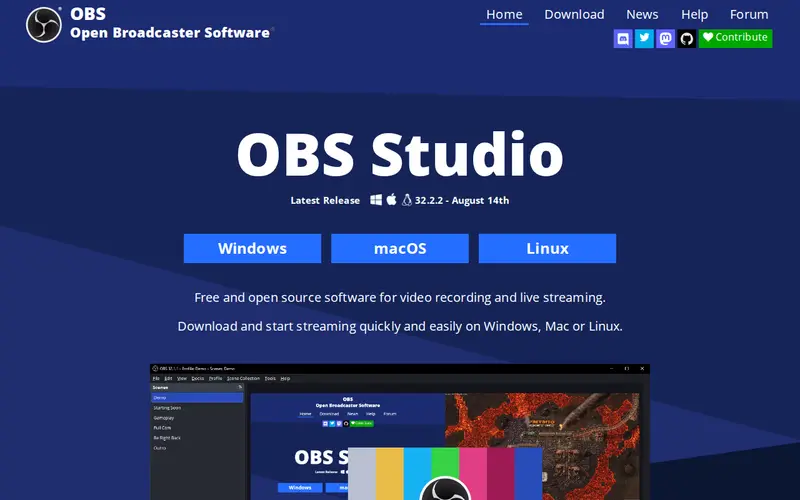
OBS Studio is a comprehensive, free, and open-source software solution designed for video recording and live streaming across Windows, macOS, and Linux operating systems. It empowers users to capture, combine, and broadcast high-definition video and audio from a diverse range of sources. These sources can include webcams, external microphones, system audio, desktop screen captures, and even browser windows. The software offers a robust interface that simplifies the process of creating professional-quality streams and recordings, allowing for intricate scene composition and real-time mixing of multiple media elements. Its complete lack of usage limitations makes it an accessible tool for all levels of users.
Editorial check
How this page is checked
Source trail
obsproject.com
External links are separated from Surfaced commentary.
Reader safety
Context before clicks
Product links and external services are not presented as guarantees.
Monetization
No affiliate flag
Ads and commerce links are kept distinct from editorial text.
Surfaced take
Why It’s Useful
OBS Studio serves as an indispensable tool for a wide spectrum of individuals and organizations involved in video content creation. Live streamers, educators delivering online courses, businesses conducting virtual meetings or webinars, and content creators producing tutorials all benefit from its extensive capabilities. The platform's strength lies in its adaptability, enabling users to seamlessly integrate and manage various media inputs to construct complex, multi-layered scenes. Compatibility with major streaming platforms and a vast ecosystem of plugins further enhance its utility, allowing for customization and extended functionality. Its reputation for stability, coupled with its cost-free nature, positions OBS Studio as a highly practical and powerful solution for achieving professional video output without financial constraints.
In everyday life
When you’d actually reach for this
You could use OBS Studio to record a detailed tutorial for a colleague, capturing your screen and adding voiceover commentary. Later, you might use it to live stream a hobby project or a virtual meeting, ensuring everyone can see and hear clearly.







Enjoyed this? Get five picks like this every morning.
Free daily newsletter — zero spam, unsubscribe anytime.