Photo via Pexels
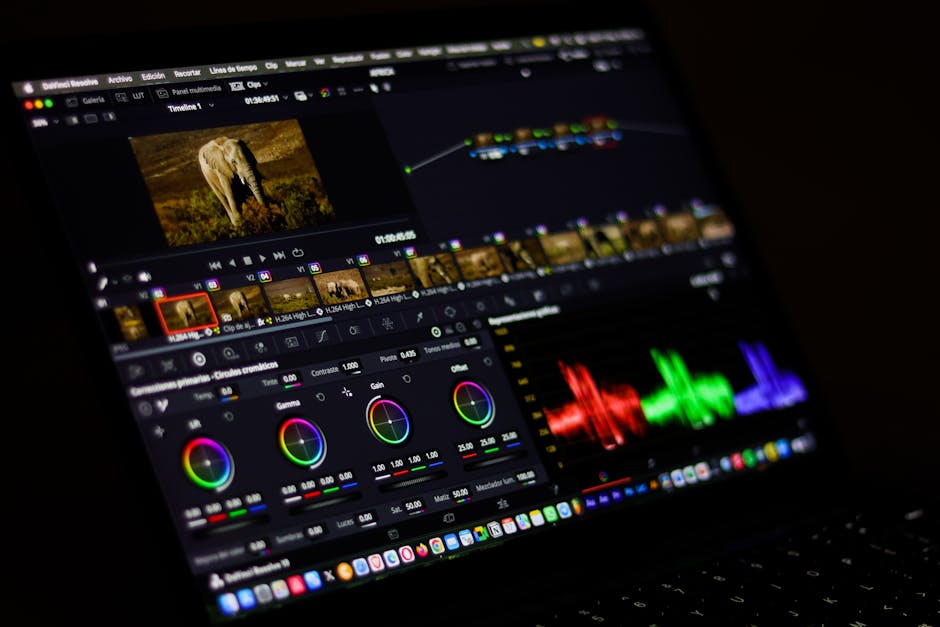
DaVinci Resolve is a comprehensive, professional video post-production software developed by Blackmagic Design, integrating editing, color correction, visual effects (Fusion), motion graphics, and audio post-production (Fairlight) into a single application. Users import media, edit footage on the Cut or Edit page, perform advanced color grading on the Color page, create sophisticated visual effects in Fusion, mix and master audio in Fairlight, and finally export their finished projects for broadcast, web, or cinema. It is available as a robust desktop application for Windows, macOS, and Linux, requiring significant system resources for optimal performance. While all modules are powerful, the 'Color' page is legendary, offering an unparalleled suite of tools for professional color grading, including advanced primary and secondary corrections, HSL qualifiers, and node-based workflows, used on major Hollywood films. Resolve manages project files, media databases, and render caches locally on the user's system, with robust project management features supporting collaborative workflows and external media storage.
Editorial check
How this page is checked
Source trail
blackmagicdesign.com
External links are separated from Surfaced commentary.
Reader safety
Context before clicks
Product links and external services are not presented as guarantees.
Monetization
No affiliate flag
Ads and commerce links are kept distinct from editorial text.
Surfaced take
Why It’s Useful
DaVinci Resolve eliminates the need for multiple, expensive software licenses and complex round-tripping between different applications for various post-production tasks, providing an all-in-one professional solution at an accessible price point (free for most users). An aspiring filmmaker can edit their short film, meticulously color grade it to achieve a cinematic look, add visual effects like green screen composites, and mix the audio, all without spending a dime on software. A professional YouTuber can quickly edit their weekly videos on the 'Cut' page, apply consistent color corrections using custom LUTs, and fine-tune audio levels, producing high-quality content efficiently for their audience of millions. The core 'DaVinci Resolve' version is completely free, offering 99% of the features found in the paid version, with no watermarks or time limits on exports; 'DaVinci Resolve Studio' is a one-time purchase ($295) for advanced features like neural engine AI tools, multi-user collaboration, 4K+ output, and HDR scopes, often bundled with Blackmagic hardware. Unlike Adobe Premiere Pro (subscription-based) or Final Cut Pro (Mac-only), Resolve offers a truly professional, fully-featured free version for all major operating systems, making high-end post-production accessible to everyone without recurring costs. The 'Fusion' page provides a node-based compositing environment, allowing users to create complex visual effects, motion graphics, and 3D scenes comparable to dedicated VFX software. The learning curve is moderate to high; while basic editing can be picked up quickly, mastering the depth of its integrated modules, especially Color and Fusion, requires significant dedication and practice.







Enjoyed this? Get five picks like this every morning.
Free daily newsletter — zero spam, unsubscribe anytime.