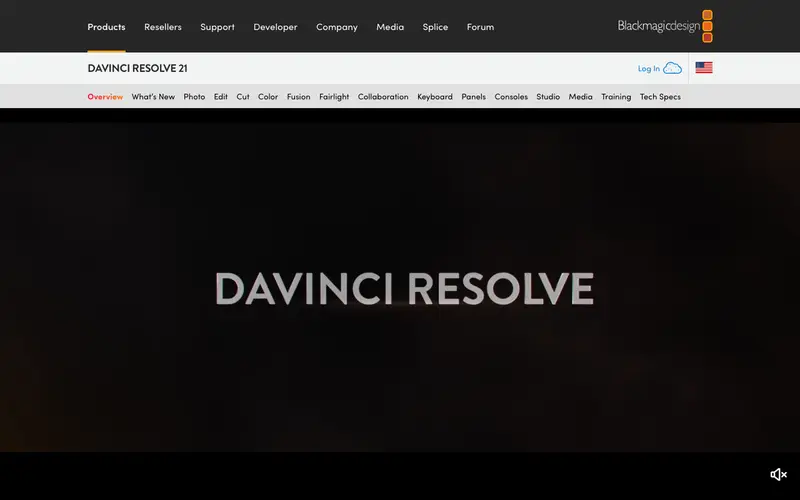
DaVinci Resolve is a professional, all-in-one video editing, color correction, visual effects, and audio post-production software. It offers an incredibly powerful free version that many professionals use, with an optional paid Studio version for advanced features. The software's industry-leading color grading tools are particularly renowned, allowing for precise and cinematic color manipulation that is difficult to achieve elsewhere.
Editorial check
How this page is checked
Source trail
blackmagicdesign.com
External links are separated from Surfaced commentary.
Reader safety
Context before clicks
Product links and external services are not presented as guarantees.
Monetization
No affiliate flag
Ads and commerce links are kept distinct from editorial text.
Surfaced take
Why It’s Useful
DaVinci Resolve democratizes professional-grade video production. Its free version is so feature-rich that it rivals many paid competitors, making it an accessible yet powerful tool for aspiring filmmakers, content creators, and even established professionals. The integrated nature of its modules—editing, color, fusion (VFX), and fairlight (audio)—creates a seamless workflow, eliminating the need to bounce between multiple applications. The advanced color correction and grading capabilities are a standout, enabling users to achieve cinematic looks and precise emotional tones in their projects. This is invaluable for anyone looking to elevate their video content beyond basic cuts. Whether you're editing a YouTube video, a short film, or a corporate presentation, Resolve offers the depth and control to produce polished, professional results.
In everyday life
When you’d actually reach for this
You might use DaVinci Resolve to edit together clips from your weekend getaway for your friends. Or perhaps you want to polish a short tutorial you're making to share online. It's also useful for cleaning up audio on a podcast episode before you publish it.







Enjoyed this? Get five picks like this every morning.
Free daily newsletter — zero spam, unsubscribe anytime.