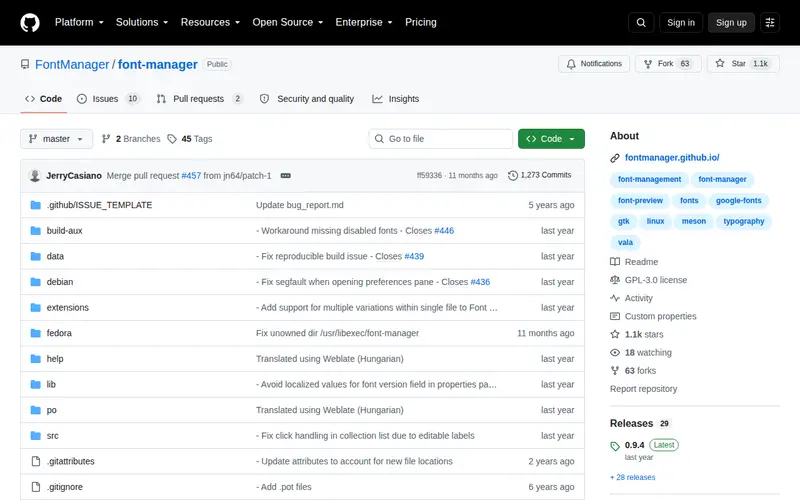
Font Manager is a comprehensive, free, and open-source application designed to streamline font management for users on Linux and Windows. It offers a dedicated interface for previewing, organizing, and activating or deactivating fonts across your system. This tool centralizes your font library, providing a structured approach to managing your typeface collection and preventing the common issue of font clutter within design applications. Font Manager aims to ensure that only necessary fonts are loaded, contributing to a cleaner and more efficient workflow.
Editorial check
How this page is checked
Source trail
fontmanager.github.io
External links are separated from Surfaced commentary.
Reader safety
Context before clicks
Product links and external services are not presented as guarantees.
Monetization
No affiliate flag
Ads and commerce links are kept distinct from editorial text.
Surfaced take
Why It’s Useful
For creative professionals, including graphic designers, typographers, and web developers who frequently work with extensive font libraries, Font Manager proves to be an indispensable utility. It addresses the challenge of navigating overwhelming font menus in design software by offering a clear visual overview and efficient selection capabilities. By enabling selective font activation, users can prevent system performance degradation caused by an excessive number of concurrently loaded fonts. The application's robust preview panes and intuitive tagging system simplify the organization of font collections, facilitating easy retrieval and application for specific projects or client needs, ultimately enhancing workflow consistency and productivity.
In everyday life
When you’d actually reach for this
When starting a new design project, you can quickly browse and activate only the fonts relevant to that specific brand or style, rather than scrolling through hundreds of options. After finishing, you can deactivate them to keep your system clean for the next task.







Enjoyed this? Get five picks like this every morning.
Free daily newsletter — zero spam, unsubscribe anytime.