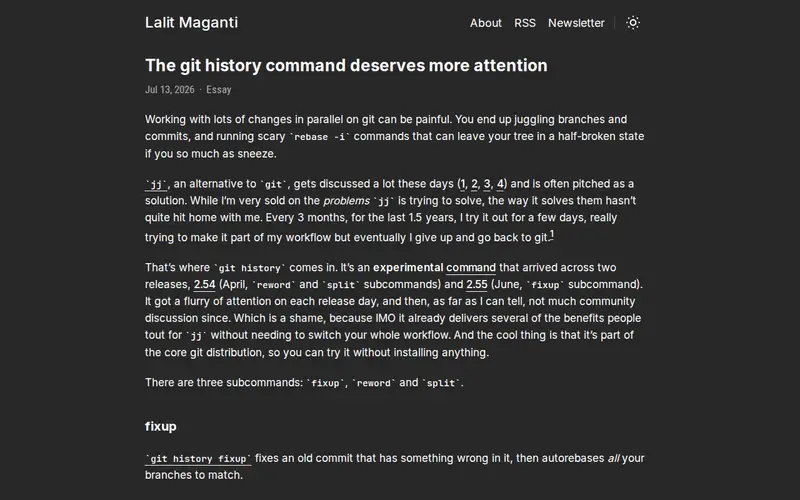
The 'git history' command is a powerful, yet often overlooked, command-line tool that provides an elegant way to visualize the commit history of a Git repository. Instead of just looking at a linear list of commits, it offers a graphical representation, making it easier to understand branching, merging, and the overall evolution of a project's codebase. This tool is built directly into Git, so no external installation is needed, and it helps developers quickly grasp complex histories that might otherwise be confusing to parse through textual logs.
Editorial check
How this page is checked
Source trail
lalitm.com
External links are separated from Surfaced commentary.
Reader safety
Context before clicks
Product links and external services are not presented as guarantees.
Monetization
No affiliate flag
Ads and commerce links are kept distinct from editorial text.
Surfaced take
Why It’s Useful
While many developers are familiar with `git log`, the full potential of visualizing history with `git log --graph` or similar variations is often underutilized. This specific mention of the 'git history command' highlights a focus on making that visualization accessible and understandable. It's incredibly useful for debugging, understanding the context of a change, or onboarding new team members to a project's past. For anyone working with Git, especially on projects with extensive or intricate branching strategies, a clear visual representation of the commit graph can drastically speed up comprehension and reduce the cognitive load associated with understanding project history.
In everyday life
When you’d actually reach for this
You're trying to remember why a specific change was made a few months ago, or perhaps you need to figure out which branch introduced a bug before handing off work for annual leave. It's also useful when you're reviewing a colleague's pull request and want to see the context of their recent commits.







Enjoyed this? Get five picks like this every morning.
Free daily newsletter — zero spam, unsubscribe anytime.