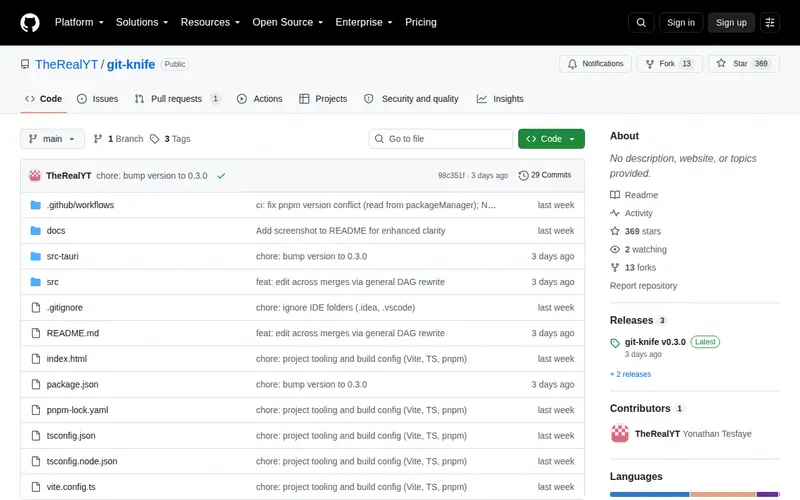
Git-knife is a command-line tool that allows you to edit Git commit messages, authors, and dates using a spreadsheet-like interface. This is particularly useful for cleaning up a messy commit history before merging or pushing changes, or for correcting mistakes in metadata. It provides a more visual and intuitive way to manipulate Git log data than traditional Git commands alone, offering precision and flexibility for developers who need to refine their commit records.
Editorial check
How this page is checked
Source trail
github.com
External links are separated from Surfaced commentary.
Reader safety
Context before clicks
Product links and external services are not presented as guarantees.
Monetization
No affiliate flag
Ads and commerce links are kept distinct from editorial text.
Surfaced take
Why It’s Useful
For developers who find interactive Git rebase tedious, Git-knife offers a superior alternative for bulk editing commit metadata. It bypasses the complexity of command-line rebase tools by presenting your commit history in a familiar, tabular format. This makes it incredibly easy to correct typos in commit messages, update author information across multiple commits, or adjust timestamps without needing to remember intricate Git commands. Power users appreciate the ability to perform complex history rewrites efficiently and with fewer chances of error, making it a valuable tool for maintaining a clean and professional project history.
In everyday life
When you’d actually reach for this
You've just finished a coding sprint and realize several commit messages are poorly worded or have incorrect dates. Instead of manually rebasing, you fire up Git-knife to quickly review and edit all the necessary information in one go, ensuring a polished history before sharing your work.







Enjoyed this? Get five picks like this every morning.
Free daily newsletter — zero spam, unsubscribe anytime.