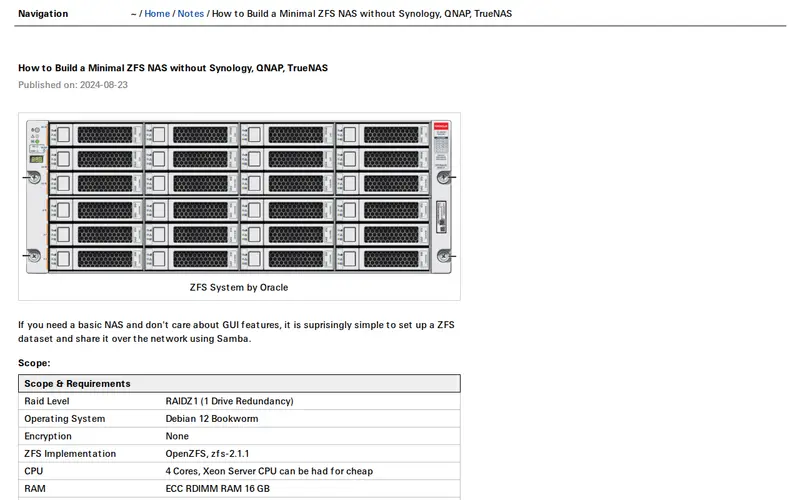
This guide provides a comprehensive, step-by-step walkthrough for building a custom Network Attached Storage (NAS) system using ZFS, without relying on proprietary or overly complex solutions like Synology, QNAP, or even TrueNAS. It details the hardware selection, operating system installation (often a lightweight Linux distribution), ZFS pool creation, and basic service configuration for network file sharing. The article aims to empower users with a deep understanding of their storage infrastructure, offering a cost-effective and highly customizable alternative for home or small office data management.
Editorial check
How this page is checked
Source trail
neil.computer
External links are separated from Surfaced commentary.
Reader safety
Context before clicks
Product links and external services are not presented as guarantees.
Monetization
No affiliate flag
Ads and commerce links are kept distinct from editorial text.
Surfaced take
Why It’s Useful
For the technically inclined who want full control over their data storage, this guide is invaluable. It demystifies the process of building a robust ZFS-based NAS, which is often perceived as being for advanced users or requiring expensive, pre-built solutions. The 'minimal' approach appeals to those who prefer lean, efficient systems and want to avoid unnecessary bloat. It's incredibly useful for anyone who values data integrity (thanks to ZFS features like data scrubbing and snapshots) and wants to avoid vendor lock-in. Power users appreciate the ability to fine-tune every aspect of their NAS, from hardware to software services, making this a go-to resource for DIY storage enthusiasts.
In everyday life
When you’d actually reach for this
You're consolidating all your digital photos and home videos in one secure place. You want a reliable backup for important documents before a big trip. You're looking for a central location to store and access shared files for your household.







Enjoyed this? Get five picks like this every morning.
Free daily newsletter — zero spam, unsubscribe anytime.