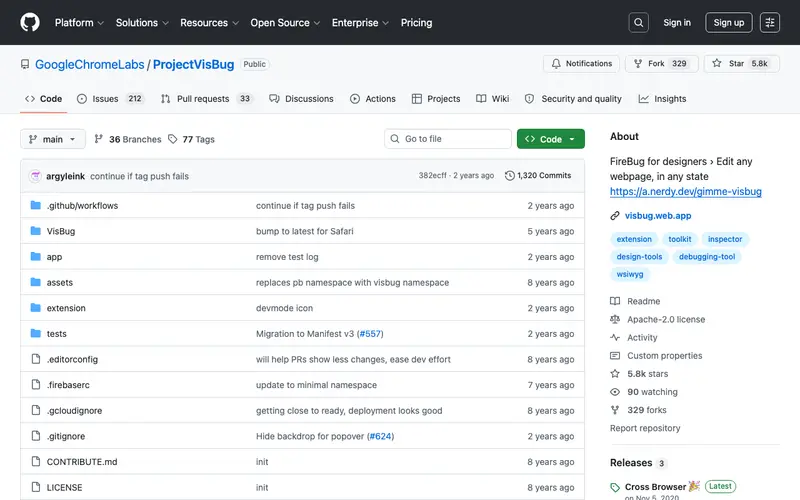
VisBug is an open-source browser extension developed by Google's design team, specifically Adam Argyle, acting as a visual debugger and design tool for the web. It allows designers and developers to inspect, adjust, and experiment with webpage styles and content directly in the browser, without writing a single line of code. The core feature is its intuitive set of "design tools" (e.g., move, resize, text edit, color picker) that interact with live web pages like a graphics editor. It was built for front-end developers, UX/UI designers, and content editors who need to quickly prototype changes or debug visual issues on a website. Users activate VisBug when they want to make quick visual tweaks or inspect element properties on a live webpage, bypassing the need to open traditional developer tools. It is available for Chrome, Firefox, and Edge browsers.
Editorial check
How this page is checked
Source trail
github.com
External links are separated from Surfaced commentary.
Reader safety
Context before clicks
Product links and external services are not presented as guarantees.
Monetization
No affiliate flag
Ads and commerce links are kept distinct from editorial text.
Surfaced take
Why It’s Useful
VisBug offers a significantly more intuitive and visual approach to modifying web styles than using complex browser developer tools, saving hours of iterative coding and refreshing. For the UX designer, VisBug allows for real-time prototyping of layout adjustments or copy changes directly on the live site, streamlining feedback and iteration cycles. For the front-end developer, it provides a fast way to debug tricky CSS issues by directly manipulating elements and seeing the impact instantly, reducing guesswork and speeding up problem-solving. VisBug is entirely free and open-source, with no hidden costs or premium features. A powerful feature often discovered later is its ability to export changes as CSS, making it easy to transfer visual experiments back into a project's codebase. Its relative lack of widespread recognition stems from being a specialized tool for visual debugging, meaning many average users won't need it, and even some developers might not realize its potential beyond basic DevTools. As a Google-backed open-source project, it benefits from community contributions and occasional updates to ensure compatibility with browser changes.







Enjoyed this? Get five picks like this every morning.
Free daily newsletter — zero spam, unsubscribe anytime.