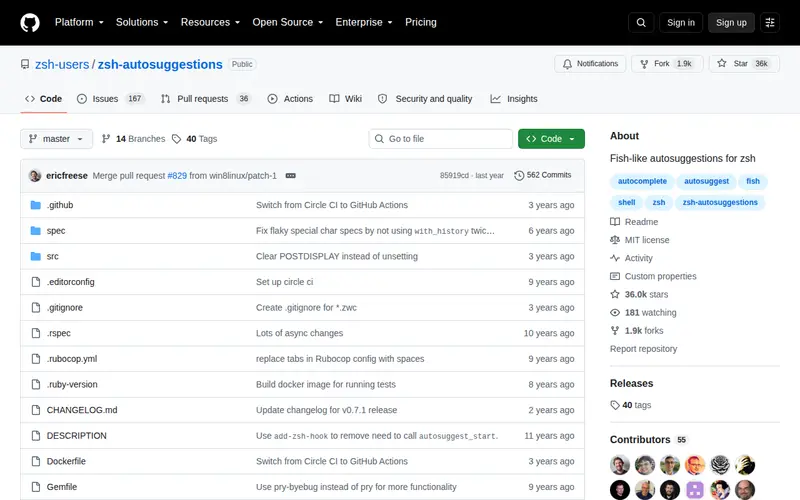
Zsh Autosuggestions is an advanced Zsh shell plugin designed to enhance command-line efficiency by offering real-time, inline command suggestions. As you type, it intelligently analyzes your command history to predict and propose commands, arguments, and options. This dynamic feature aims to accelerate your interaction with the terminal, making it easier to recall and construct even intricate command sequences. The plugin operates as a free and open-source tool, positioning itself as an essential utility for individuals who regularly engage with the command line and seek a more streamlined experience.
Editorial check
How this page is checked
Source trail
github.com
External links are separated from Surfaced commentary.
Reader safety
Context before clicks
Product links and external services are not presented as guarantees.
Monetization
No affiliate flag
Ads and commerce links are kept distinct from editorial text.
Surfaced take
Why It’s Useful
This plugin significantly boosts command-line productivity by minimizing keystrokes and easing the burden of remembering precise command syntax. It integrates smoothly into the Zsh environment, providing contextually relevant suggestions that evolve with your typing habits and usage patterns. For professionals such as developers, system administrators, and power users, it functions as an intuitive assistant, anticipating commands and helping to prevent errors. The core benefit lies in its sophisticated suggestion engine, which transforms repetitive or complex command entry into a fluid and almost effortless process. Many users find it leads to substantial time savings and a marked reduction in terminal-related frustration.
In everyday life
When you’d actually reach for this
When you're navigating server directories or running a series of build commands, this tool will automatically suggest the next part of the command you're likely to type, saving you keystrokes and mental effort. It makes command-line work feel more fluid and less like a guessing game.







Enjoyed this? Get five picks like this every morning.
Free daily newsletter — zero spam, unsubscribe anytime.