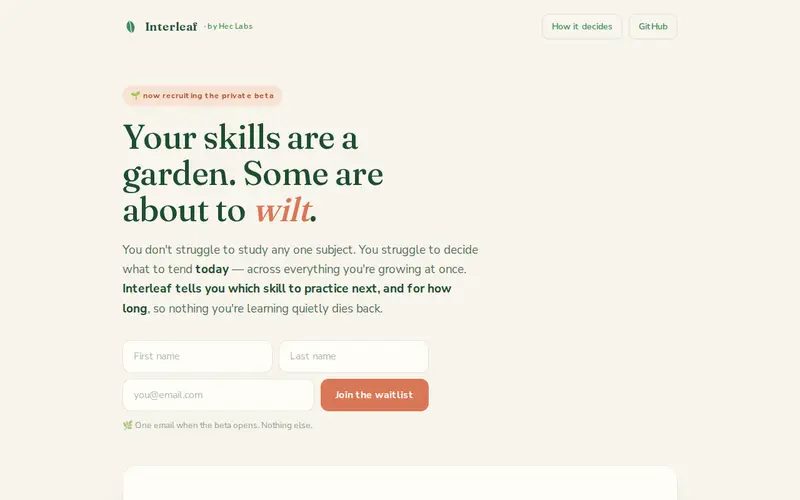
Interleaf is a cutting-edge design tool focused on creating dynamic and interactive user experiences directly within the browser. It allows designers to build rich, animated interfaces and prototypes that go beyond static mockups, supporting complex animations, micro-interactions, and conditional logic. Interleaf operates on a freemium model, offering robust free features for individual creators and tiered paid plans for professional teams needing advanced collaboration and export options. It excels at translating intricate design visions into tangible, clickable prototypes that accurately represent the final product's behavior.
Editorial check
How this page is checked
Source trail
interleaf.app
External links are separated from Surfaced commentary.
Reader safety
Context before clicks
Product links and external services are not presented as guarantees.
Monetization
No affiliate flag
Ads and commerce links are kept distinct from editorial text.
Surfaced take
Why It’s Useful
This tool democratizes high-fidelity prototyping, enabling designers to communicate complex interactive ideas with unparalleled clarity to developers and stakeholders. Its intuitive timeline-based animation system and robust component library significantly speed up the prototyping process, reducing the need for costly and time-consuming code-based prototypes for early-stage validation. Interleaf's collaborative features mean teams can iterate on designs in real-time, ensuring everyone is aligned on the user experience. It's particularly invaluable for UX/UI designers and product managers aiming to present a compelling and functional vision of a digital product before development begins, bridging the gap between design and engineering.
In everyday life
When you’d actually reach for this
You need to show your client exactly how a new feature will animate when a button is tapped, or demonstrate the smooth transition between different screens of an app. Interleaf helps you build an interactive walkthrough that feels almost like the real app, making feedback sessions incredibly productive.







Enjoyed this? Get five picks like this every morning.
Free daily newsletter — zero spam, unsubscribe anytime.