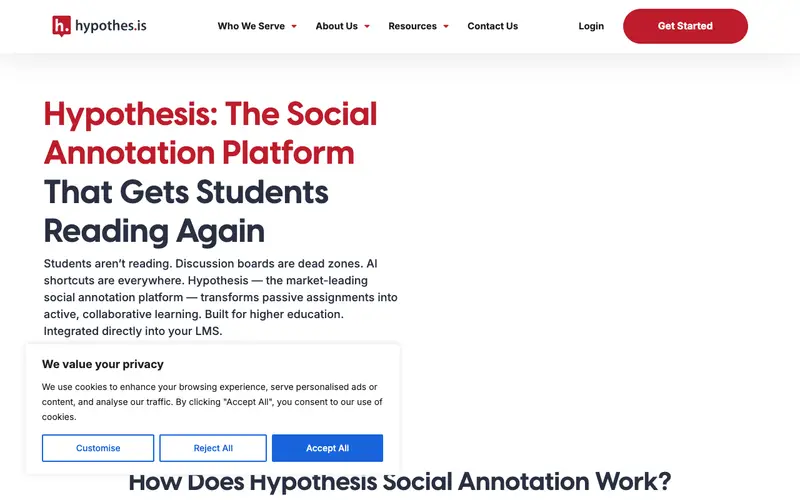
Hypothesis, a non-profit project developed by the Hypothesis Project, is an open-source web annotation tool that enables collaborative reading, note-taking, and fact-checking directly on web pages and PDFs. It allows users to add a layer of notes and highlights to any document on the web, visible only to them, a selected group, or the public. The primary workflow involves installing the browser extension, navigating to a web page or PDF, and then highlighting text to add an annotation or commenting on the entire page. It is available primarily as a browser extension for Chrome, Firefox, and Edge, with integrations into various learning management systems. Data is stored on Hypothesis's servers, which are transparent and open-source, promoting privacy and data portability within an open annotation ecosystem.
Editorial check
How this page is checked
Source trail
web.hypothes.is
External links are separated from Surfaced commentary.
Reader safety
Context before clicks
Product links and external services are not presented as guarantees.
Monetization
No affiliate flag
Ads and commerce links are kept distinct from editorial text.
Surfaced take
Why It’s Useful
Hypothesis eliminates the problem of siloed research notes and the inability to interact directly with web content for academic or personal study. For a journalist fact-checking an article, it's invaluable for highlighting dubious claims and linking to corrective sources directly on the page, visible to their team. An educator can use it to assign readings and facilitate discussions by having students annotate articles directly, fostering deeper engagement with the material. Hypothesis is entirely free to use for individual users and public groups, making it a genuinely useful tool for anyone researching or learning online without financial barriers. It stands apart from simple browser highlighter extensions by offering public, private, and group annotation layers, winning on collaborative potential and structured discussion around content. The ability to export annotations or subscribe to annotation feeds for specific pages is a power feature for researchers. A non-technical person can install the browser extension and start highlighting and annotating in less than 5 minutes.







Enjoyed this? Get five picks like this every morning.
Free daily newsletter — zero spam, unsubscribe anytime.