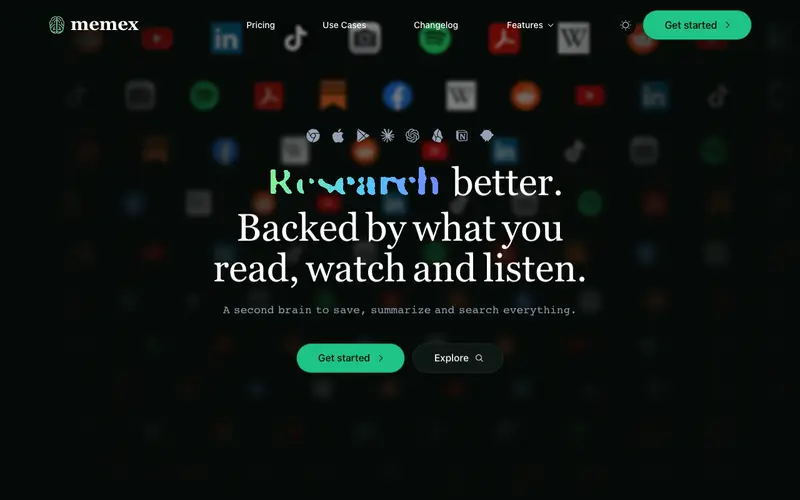
Memex is an open-source, local-first knowledge management tool and browser extension developed by WorldBrain.io, designed to help users capture, organize, and retrieve information from the web with powerful full-text search and annotation. It functions as a personal search engine and research assistant, allowing you to save and tag web pages, highlight text, and add notes, all stored locally or synced optionally. The primary workflow involves browsing the web, saving pages automatically or manually, and then annotating them with highlights and comments directly in your browser. Memex is primarily a browser extension for Chrome and Firefox, with ongoing development for mobile apps. Its most used feature is the ability to perform full-text search across all saved pages, even if the original website is offline. Data is stored locally on your device by default, with optional end-to-end encrypted cloud sync, giving users complete control and privacy.
Editorial check
How this page is checked
Source trail
memex.garden
External links are separated from Surfaced commentary.
Reader safety
Context before clicks
Product links and external services are not presented as guarantees.
Monetization
No affiliate flag
Ads and commerce links are kept distinct from editorial text.
Surfaced take
Why It’s Useful
Memex solves the problem of forgotten or unfindable web content by creating a personal, searchable archive of everything you've ever browsed or explicitly saved. For the student conducting deep research, it's invaluable for saving hundreds of articles, highlighting key passages, and then instantly finding them months later with specific keywords or tags. For the freelance writer, it ensures that every source, every inspiring article, and every piece of background information is meticulously archived and searchable for future projects. As an open-source tool, Memex offers a fully functional free tier with local storage, making it genuinely useful without any limitations. Unlike cloud-dependent bookmark managers, Memex prioritizes local-first storage and end-to-end encryption for sync, offering superior privacy and data ownership. A power feature is its "Spaces" which allows you to organize related pages and annotations into collaborative or private workspaces. Setting up the browser extension and starting to save pages is a very quick process, easily done by a non-technical person in under 2 minutes.







Enjoyed this? Get five picks like this every morning.
Free daily newsletter — zero spam, unsubscribe anytime.