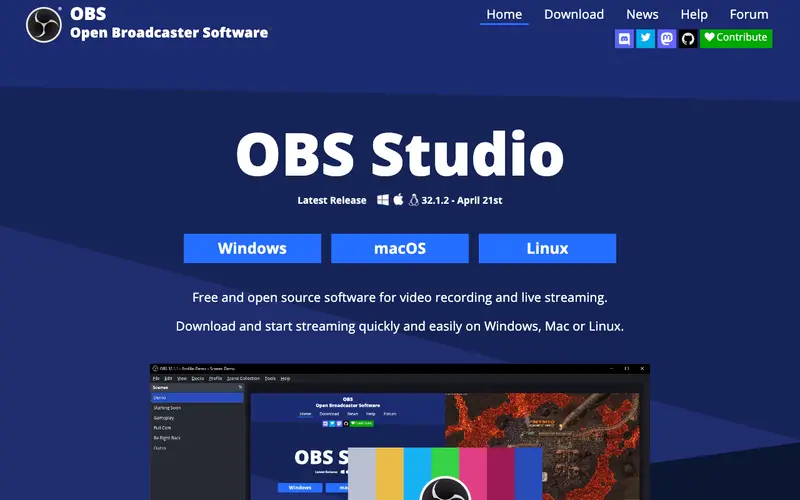
OBS Studio, developed by the OBS Project, is a free and open-source software for video recording and live streaming, widely regarded as the industry standard for professional broadcasters and content creators. It allows users to compose scenes from multiple sources including window captures, images, text, webcams, browser windows, and more, offering unparalleled control over output. The primary workflow involves setting up scenes with desired sources, configuring audio mixers and transitions, and then initiating recording or streaming to platforms like Twitch, YouTube, or Facebook Live. It is available across Windows, macOS, and Linux platforms, providing robust performance regardless of operating system. Its most used feature is its powerful real-time video/audio capturing and mixing capabilities, allowing dynamic scene switching. All recordings are saved locally to the user's computer, with options for various formats and quality settings, and streaming data is sent directly to configured services.
Editorial check
How this page is checked
Source trail
obsproject.com
External links are separated from Surfaced commentary.
Reader safety
Context before clicks
Product links and external services are not presented as guarantees.
Monetization
No affiliate flag
Ads and commerce links are kept distinct from editorial text.
Surfaced take
Why It’s Useful
OBS Studio eliminates the need for expensive, proprietary software for high-quality screen recording and live streaming, democratizing professional content creation. For the aspiring Twitch streamer, it's essential for combining gameplay footage with webcam, alerts, and custom overlays into a single, polished live broadcast. For the online educator, it enables the creation of professional-grade lecture videos, seamlessly switching between slides, screen demonstrations, and face-to-camera explanations. As open-source software, OBS Studio is entirely free with no paid tiers or hidden features, offering its full power to everyone. It significantly outperforms most built-in screen recorders and even many paid solutions with its extensive customization options, plugins, and control over every aspect of the output. A power feature is its 'Studio Mode,' which allows users to preview and adjust scenes before pushing them live, preventing on-air errors. The learning curve is steep for beginners, requiring dedication to understand its complex scene management and audio routing, but numerous community tutorials exist.






Enjoyed this? Get five picks like this every morning.
Free daily newsletter — zero spam, unsubscribe anytime.