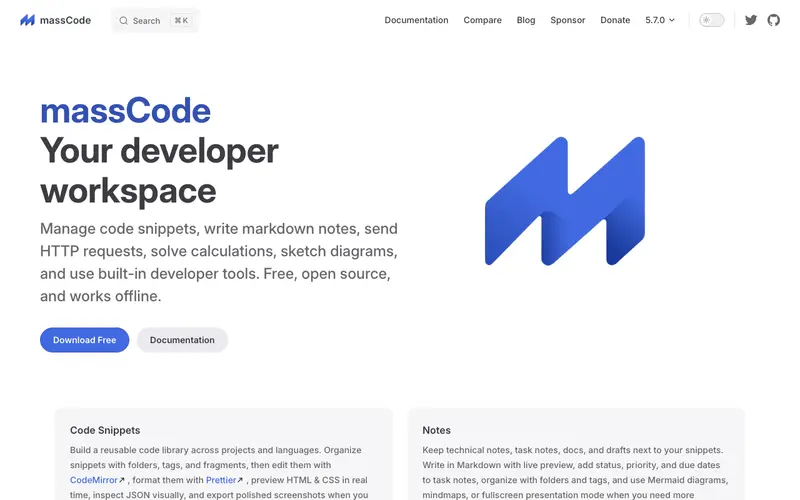
MassCode, an open-source project created by Anton Reshetov, is a free desktop application designed to be a cross-platform code snippet manager for developers. It helps users collect, organize, and quickly find code snippets with rich features like syntax highlighting, markdown support, and customizable themes. The primary workflow involves creating folders and tags to categorize snippets, then adding new snippets by pasting code or text, and finally using the powerful search to retrieve them. It runs natively on Windows, macOS, and Linux, offering a consistent experience across major operating systems. Its most popular feature is the ability to organize snippets with a nested folder structure and multiple tags, making complex collections manageable. Snippets are stored locally as markdown files or optionally synced via cloud services like Google Drive or Dropbox for backup and cross-device access.
Editorial check
How this page is checked
Source trail
masscode.io
External links are separated from Surfaced commentary.
Reader safety
Context before clicks
Product links and external services are not presented as guarantees.
Monetization
No affiliate flag
Ads and commerce links are kept distinct from editorial text.
Surfaced take
Why It’s Useful
MassCode solves the problem of scattered code snippets, providing a unified, searchable, and organized repository for all your reusable code. For the cross-platform developer juggling projects on Windows and Linux, MassCode ensures all their crucial functions and commands are accessible and consistent regardless of the machine. For the student learning multiple programming languages, it acts as an excellent personal library for syntax examples and common algorithms. Being entirely free and open-source, MassCode offers full functionality without any hidden costs or feature limitations, making it genuinely useful for developers on any budget. While other snippet managers might be proprietary, MassCode's open-source nature allows for community contributions and complete control over one's data. The built-in markdown editor for rich notes alongside code is a powerful feature, allowing for detailed explanations or setup instructions directly with the snippet. Setting up MassCode is straightforward, taking less than five minutes for anyone familiar with desktop applications.







Enjoyed this? Get five picks like this every morning.
Free daily newsletter — zero spam, unsubscribe anytime.