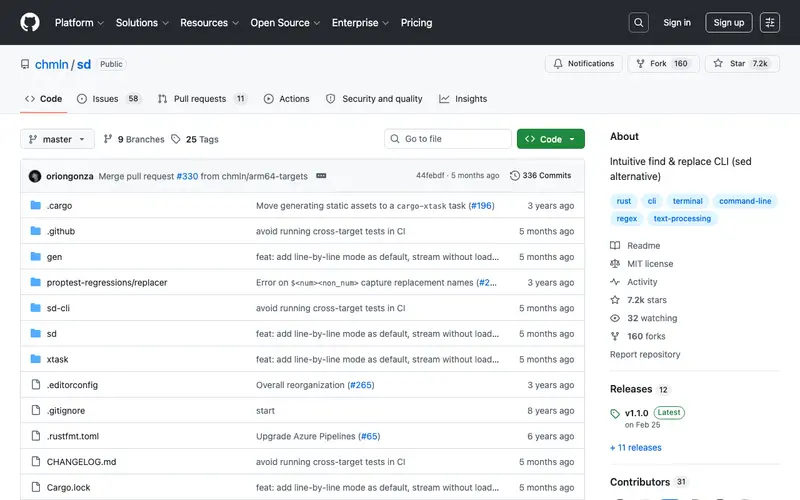
sd is an open-source command-line utility, written in Rust, designed as a modern, user-friendly, and blazing-fast alternative to the traditional `sed` command. Its primary function is to perform find and replace operations on text streams or files using a simpler, more intuitive syntax compared to `sed`'s often cryptic regular expressions. This tool is built for developers, scripters, and anyone who frequently needs to manipulate text from the command line without the steep learning curve of advanced regular expression engines. You'd reach for sd when you need to quickly substitute text in a pipeline or within a file, especially for straightforward replacements where `sed` might feel overly complex. It's a standalone CLI tool available for Linux, macOS, and Windows.
Editorial check
How this page is checked
Source trail
github.com
External links are separated from Surfaced commentary.
Reader safety
Context before clicks
Product links and external services are not presented as guarantees.
Monetization
No affiliate flag
Ads and commerce links are kept distinct from editorial text.
Surfaced take
Why It’s Useful
sd streamlines text manipulation, offering a far more readable syntax than `sed`, which is often intimidating for new users and even cumbersome for experienced ones for simple tasks. For the developer refactoring code, sd allows for quick, global string replacements across multiple files with commands like `sd 'old_function' 'new_function' *.js`, avoiding complex `sed` patterns. For the data scientist cleaning datasets, it provides a straightforward way to normalize strings or fix typos in large text files. sd is completely free and open-source. A useful but often overlooked feature is its support for "literal" string matching (`-l` or `--literal`), which bypasses regex entirely for exact substring replacement. Its main barrier to popularity is the deeply ingrained habit of using `sed` or `awk`, despite sd's ergonomic advantages for common tasks. The project is maintained on GitHub, with ongoing development and community contributions.
In everyday life
When you’d actually reach for this
You need to quickly update all instances of an old project name in your configuration files before a client hand-off. Or perhaps you're tidying up a list of downloaded articles, changing a common typo across several saved web pages. You might even be adjusting a recipe ingredient list you found online.







Enjoyed this? Get five picks like this every morning.
Free daily newsletter — zero spam, unsubscribe anytime.